

Brand: Phomemo
Color: White
Features:
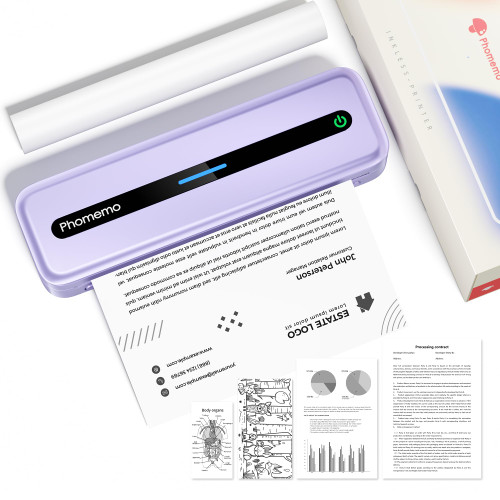
- Easy to Use - The "Phomemo" App does not require registration and offers free templates, no ink or toner needed, printing documents, reports, letters, assignments and study materials more economical than the ink costs of inkjet printers. Print your kid's coloring sheets in seconds
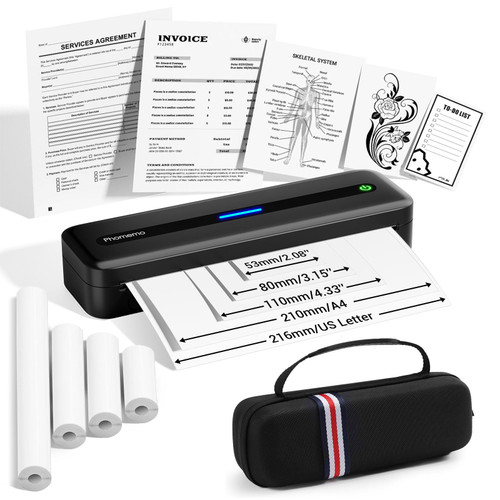
- Multi Purpose - Prints 8.5'' x 11'' US Letter, A4, 4.33'', 3.14 and 2.08'' wide thermal paper, ideal for business professionals, traveling entrepreneurs, offices, schools, and students use a portable printer as it is compact, economical, and mess-free due to the use of features like thermal printing technology instead of ink cartridge.
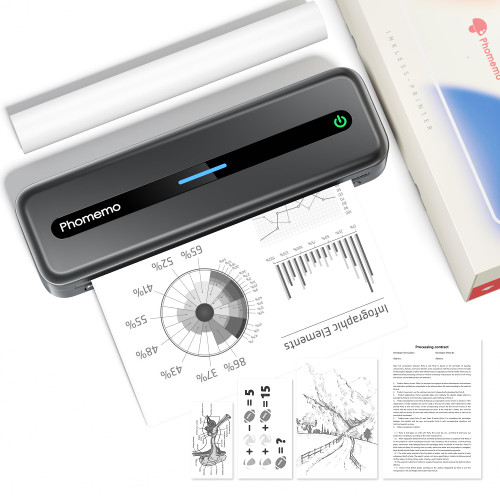
- Wireless Portable Printer - The Bluetooth wireless Phomemo thermal printer offers convenient and fast printing from your Phone or tablet. It built-in 2600 mAh rechargeable battery for long lasting . The compact design allows it to easily carry and work anytime and anywhere.
- Phone and Tablet Start Print - Step 1: Download the App 'Phomemo'. Step 2: Turn on the M832 printer and your phone's or tablet's Bluetooth. Step 3: Click the 'Printer' icon in the App to search for the M832 portable printer, connect it via Bluetooth in the App, and select the paper size and file type to start printing
- Laptop/PC Starts Printing - Step 1: Please check your laptop/PC's operating system (OS) and download and install the correct M832 driver from the Phomemo website. Step 2: Use the USB data cable to connect the M832 printer to your computer. Step 3: Select and open your document, and choose M832 from the printer list
EAN: 6936852815872